AI Reports for Coaches: What to Automate
A coach-first guide to using AI in sports performance reports without outsourcing selection, medical judgment, or player relationships.
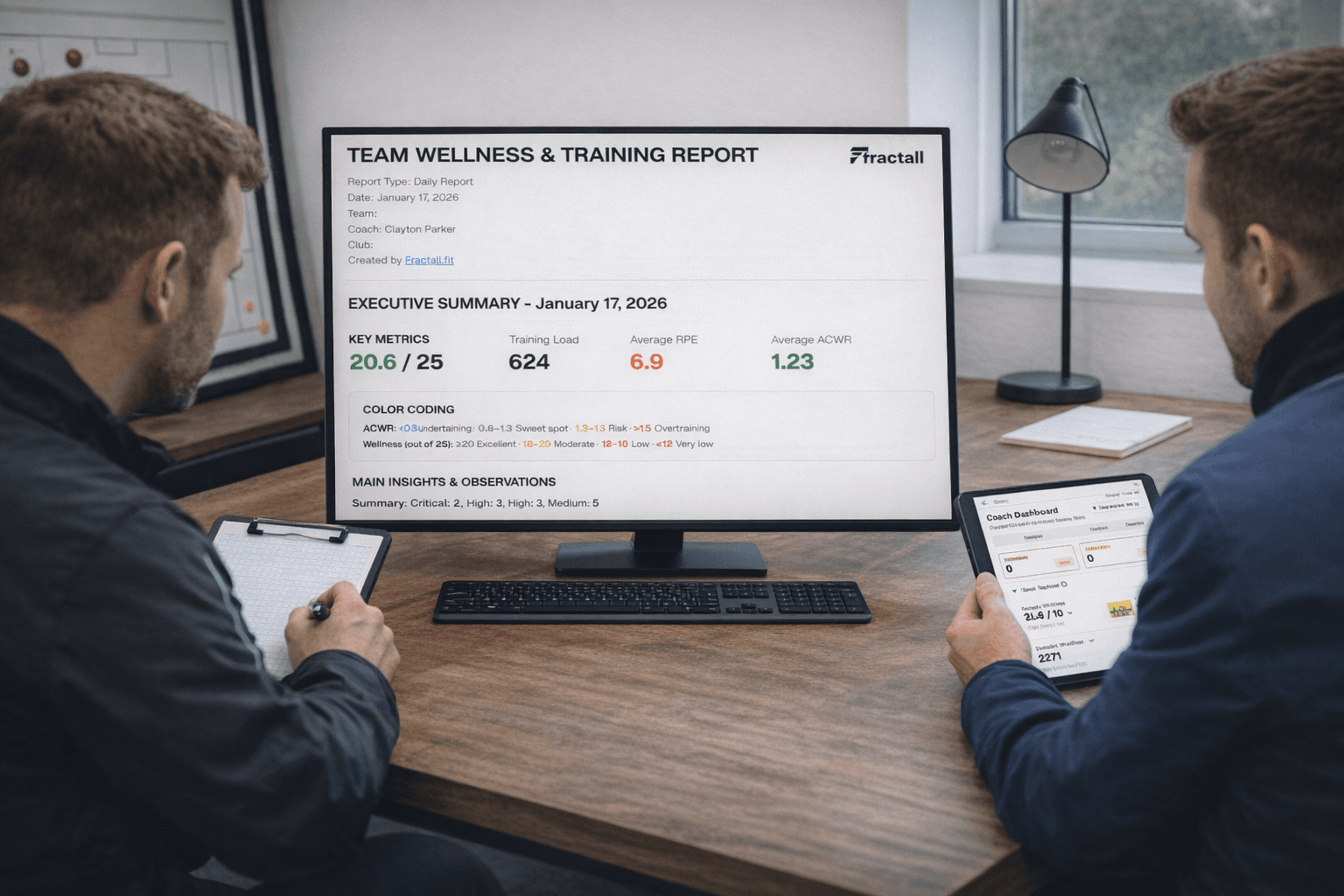
AI reports
Treat AI as a reporting assistant, not a digital head coach
For day-to-day coaching, AI is most useful when it turns existing load, wellness, pain, match, and notes data into summaries, flags, and plain-language explanations.
The useful version
Best use cases
Automate repetitive, data-heavy, descriptive reporting
AI is strongest when the task has a stable pattern, lots of numbers to scan, and a clear reporting format.
Routine load and wellness summaries
Simple patterns and flags
Staff meeting notes
Communication drafts
| Task | Why AI helps | Coach responsibility |
|---|---|---|
| Weekly summary | Combines load, wellness, and pain trends quickly. | Edit the message and decide the next action. |
| Player flags | Finds repeated patterns across several inputs. | Check context before changing training. |
| Meeting agenda | Turns dashboards into discussion points. | Prioritize what staff actually need to decide. |
Human-led decisions
Keep values, relationships, and medical judgment with people
The higher the context, trust, or consequence, the more clearly the decision belongs to qualified staff.
AI cannot choose the lineup
A high ACWR and poor wellness flag may start a conversation, but staff still decide based on match context, player movement, tactical needs, and role.
Decision framework
Use a simple test before automating a coaching task
The right boundary is practical: automate the reporting work that slows staff down, keep the coaching work where judgment matters.
Good automation candidates
- Clerical: routine writing or summarizing.
- Computation-heavy: lots of numbers to scan.
- Consistent: similar logic each week.
- Descriptive: explains what happened and where to look.
Keep human-led
- Coaching: tactics, selection, and session design.
- Care: wellbeing, trust, and sensitive feedback.
- Creative: strategy, culture, and leadership.
- Clinical: injury diagnosis and return-to-play decisions.
Fractall workflow
Start with clean monitoring data before adding AI summaries
AI reports are only useful when the underlying inputs are consistent. Fractall helps coaches collect and review the load, wellness, pain, and report data those summaries depend on.
- 1
Collect the inputs
Use RPE, duration, wellness, pain, and match context as the base for any useful report.
- 2
Review confirmed metrics
Fractall calculates and displays training load, ACWR, monotony, strain, wellness, and body pain trends.
- 3
Export staff-ready reports
Use PDF reporting and dashboards to align staff before AI-generated text is treated as useful.
- 4
Keep the decision human
Use any automated summary to focus the conversation, then let staff decide the action.
Confirmed reporting base
Athletes submit RPE, wellness, and pain data.
Coaches review automated training-load and wellness dashboards.
Staff export reports and use summaries as decision support.
Build the data foundation for better reports
Use Fractall to collect athlete inputs, calculate load metrics, and export coach-ready reports without spreadsheet work.
Coach recap
Use AI to remove admin, not accountability
The best AI report saves time and sharpens attention while keeping final judgment with coaches, medical staff, and performance leads.
AI reporting rules
- Use AI for summaries, flags, and routine communication drafts.
- Keep selection, session design, sensitive conversations, and medical decisions human-led.
- Review every generated report before sharing it.
- Treat AI output as a first draft, not a verdict.
- Improve data quality before expecting better AI summaries.
Related guides
ACWR in Football: How to Use It Safely and Effectively
A coach-friendly guide to using 7-day acute and 21-day chronic workload ratios to manage football training load without turning ACWR into an injury prediction shortcut.
Training Monotony and Strain: A Coach's Guide
Learn what training monotony and strain mean, how to calculate them from session RPE, and how football coaches can use them safely beside ACWR and wellness data.
How to Plan Weekly Training Load Around Match Day
Plan football training load from MD-4 to MD+1 with session RPE, ACWR, and simple microcycle rules that help players arrive fresh on match day.