Set up your first team
When you first login to Fractall.fit you will land in the admin dashboard. Here you can manage your teams, staff and athletes.
[Video showing edit name, icon, category, sport + create invite link]
Edit your team
Click on the team row to open the edit sheet.
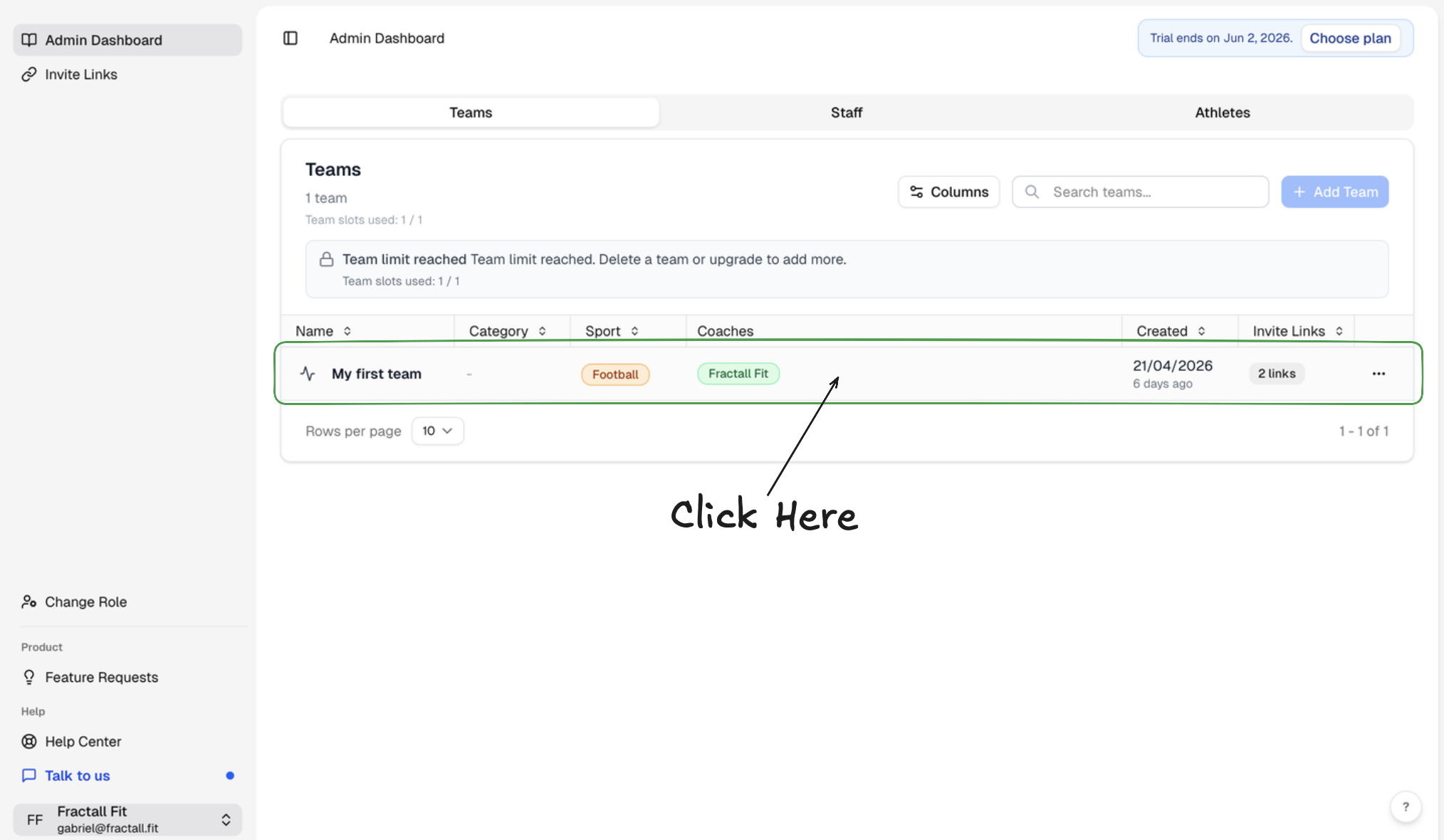
You can also click in the 3 dots at the end of the row and then click the
Editbutton.
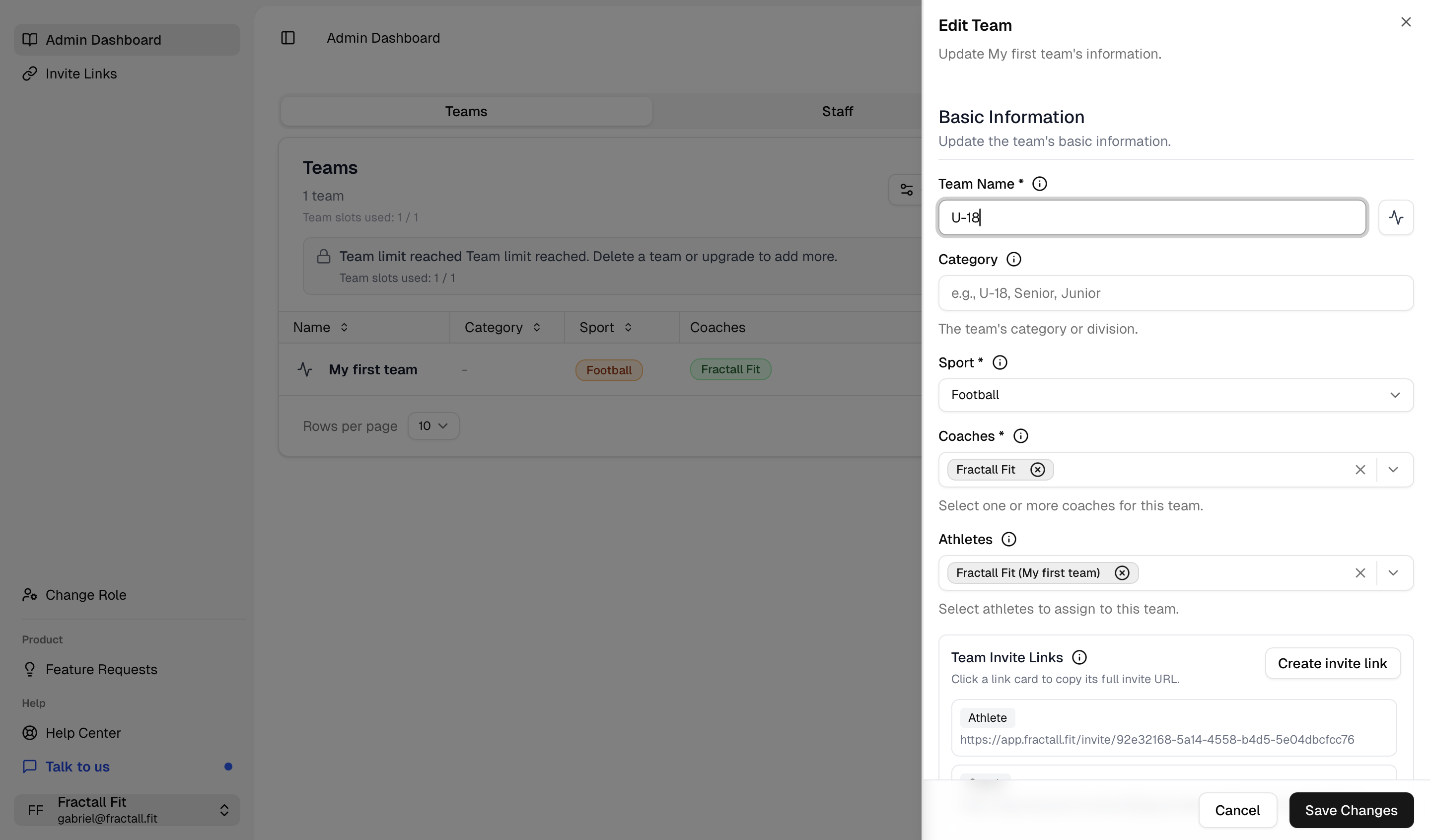
Change the team name
To set up the team name click on the team name input and write your preferred name. E.g. U-18.
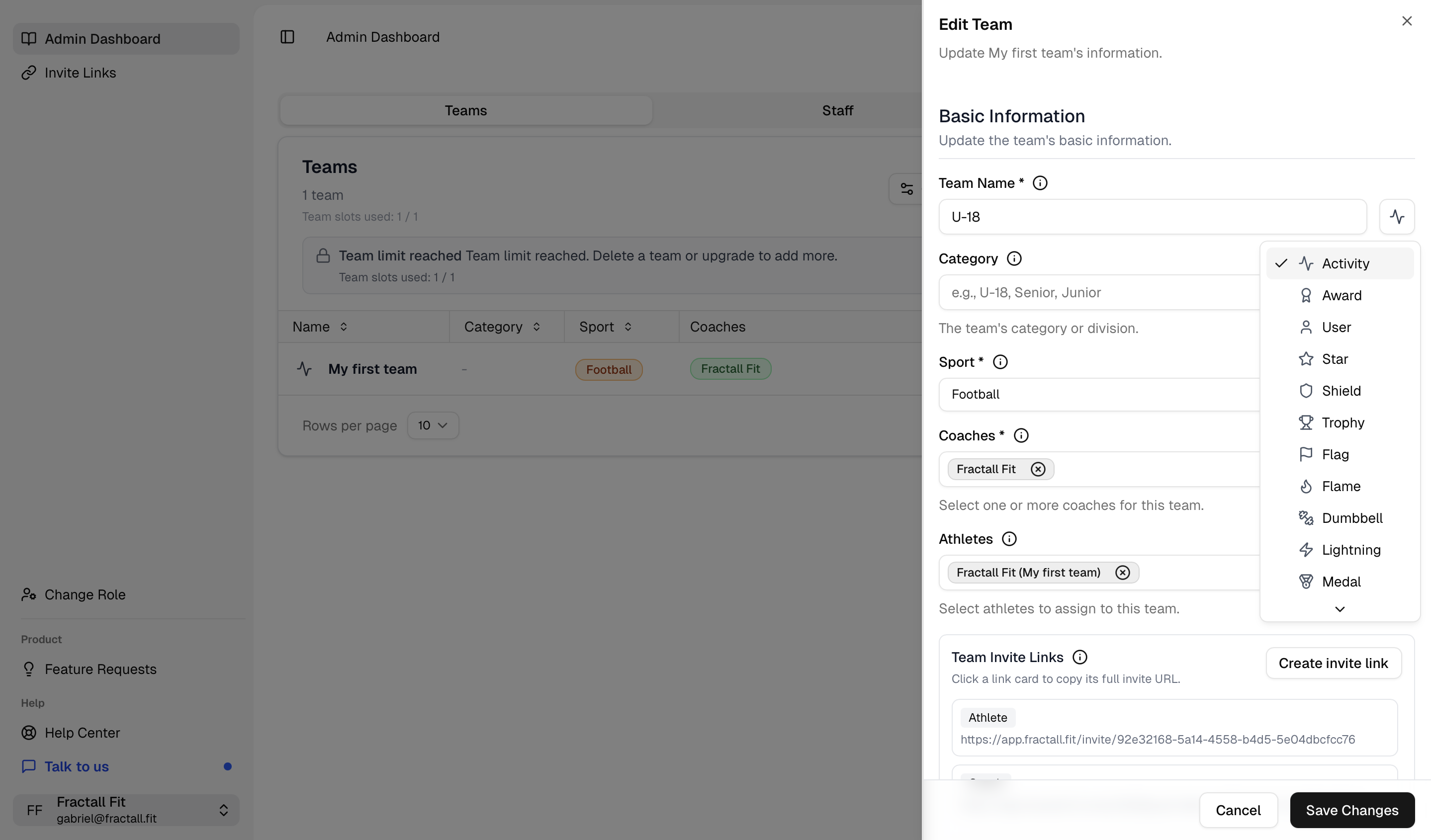
Change the team icon
If you want to change the team icon click on the icon dropdown and select an icon from the list.
Setting the team category
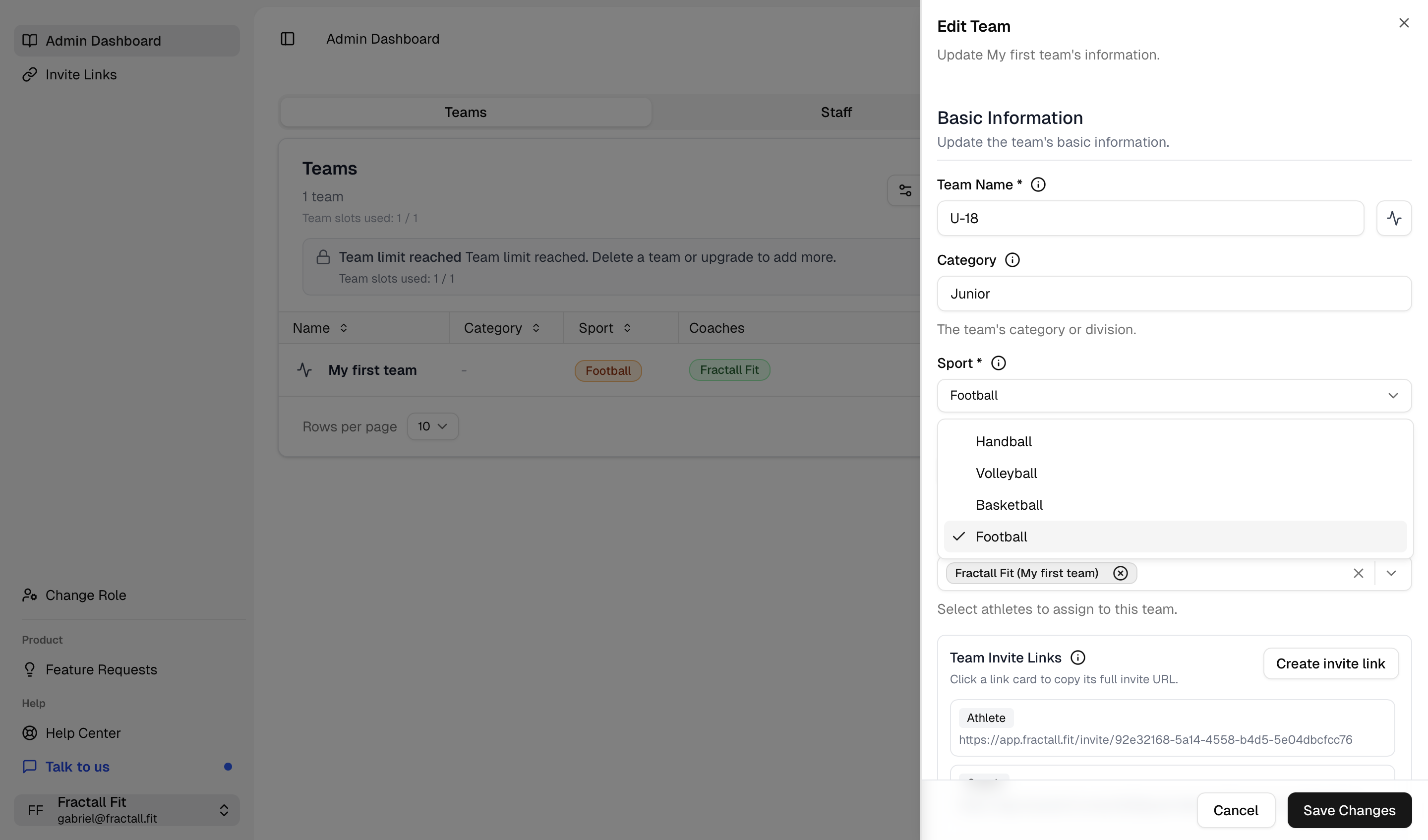
You can also add a category to your team. This is optional, but it's good to keep things organised. You can say for example that the team belongs to a Junior category.
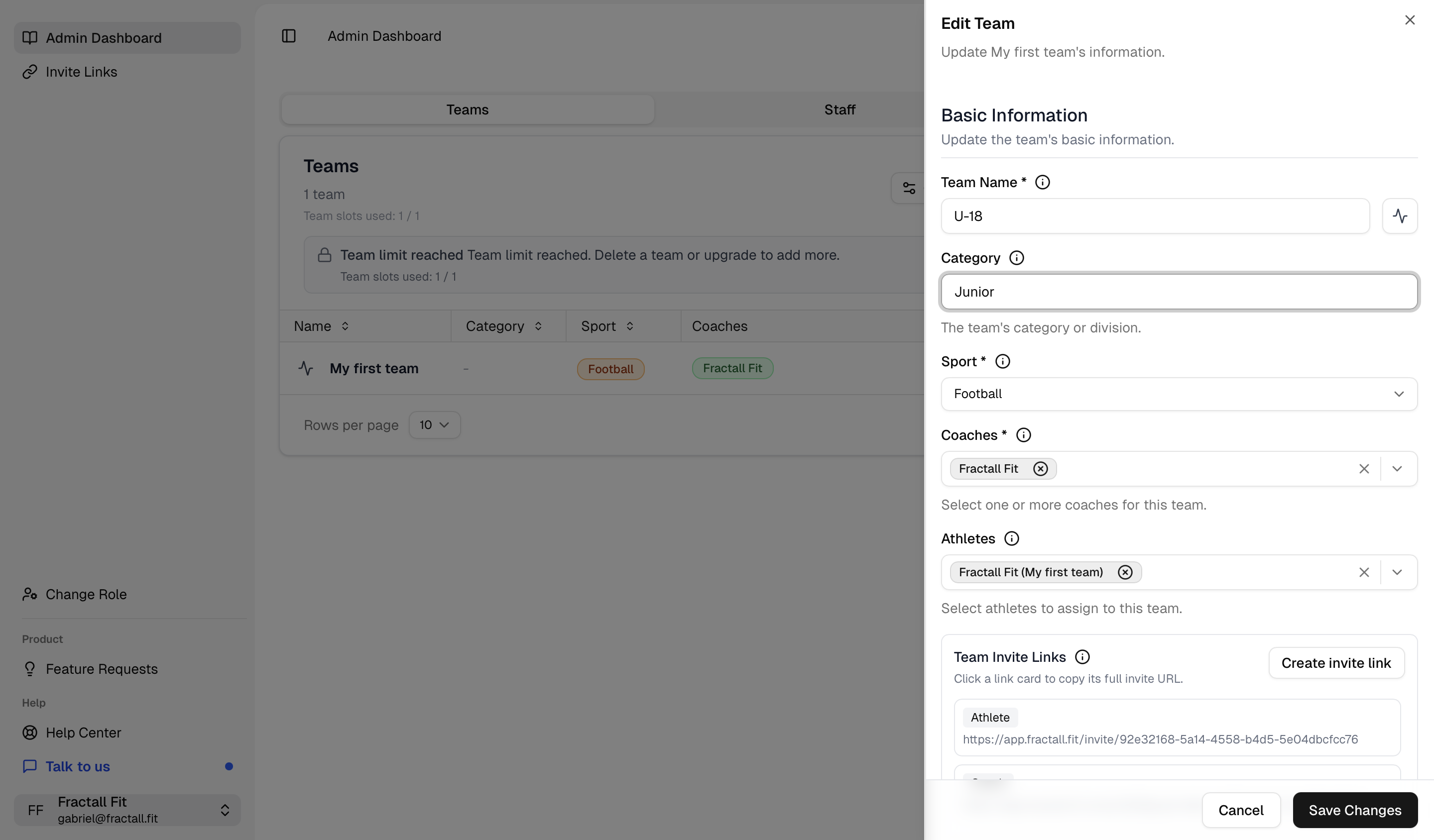
Selecting the team sport
Another important step is to select the team sport. If you manage or work with multiple sports, this is where you say what sport that team practices.