

Week 46: You can collect Apple Health from athletes, plus Home and Gym next
You can now collect sleep, steps, resting heart rate, and workouts from athletes on iPhone. They connect Apple Health once in Fractall; the data syncs into their daily health record. Athlete Home got a week calendar and day agenda. Gym is in progress on web and phone — not released for clubs yet.
Published
What changed this week
You can now collect Apple Health data from athletes on iPhone — sleep, steps, resting heart rate, and workouts — into Fractall. Athlete Home got a week calendar and day agenda. Gym is the next module on web and phone; it is not released for clubs yet.
You can now collect Apple Health data from your athletes
Ask athletes on iPhone to connect Apple Health in Fractall. Once they authorize, you start collecting their sleep, steps, resting heart rate, and workouts into that athlete's daily health record — no screenshots, no separate apps. Sync runs after authorize and when they reopen the app.
Path for them: Home → bell → Notifications → Connect Apple Health (or Profile → Settings → Wearables). Coach-facing recovery charts for this data are next; the win this week is getting the squad connected so the history exists.
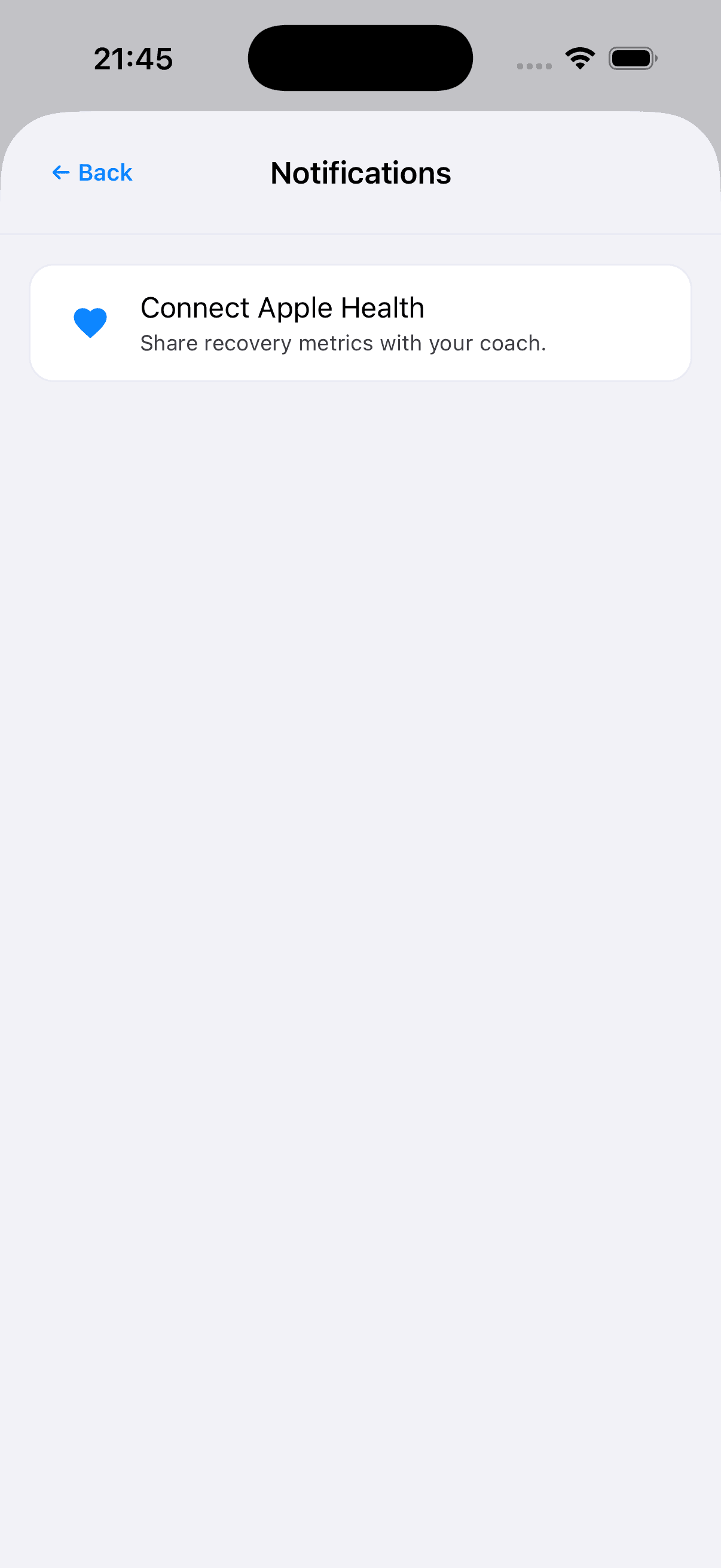
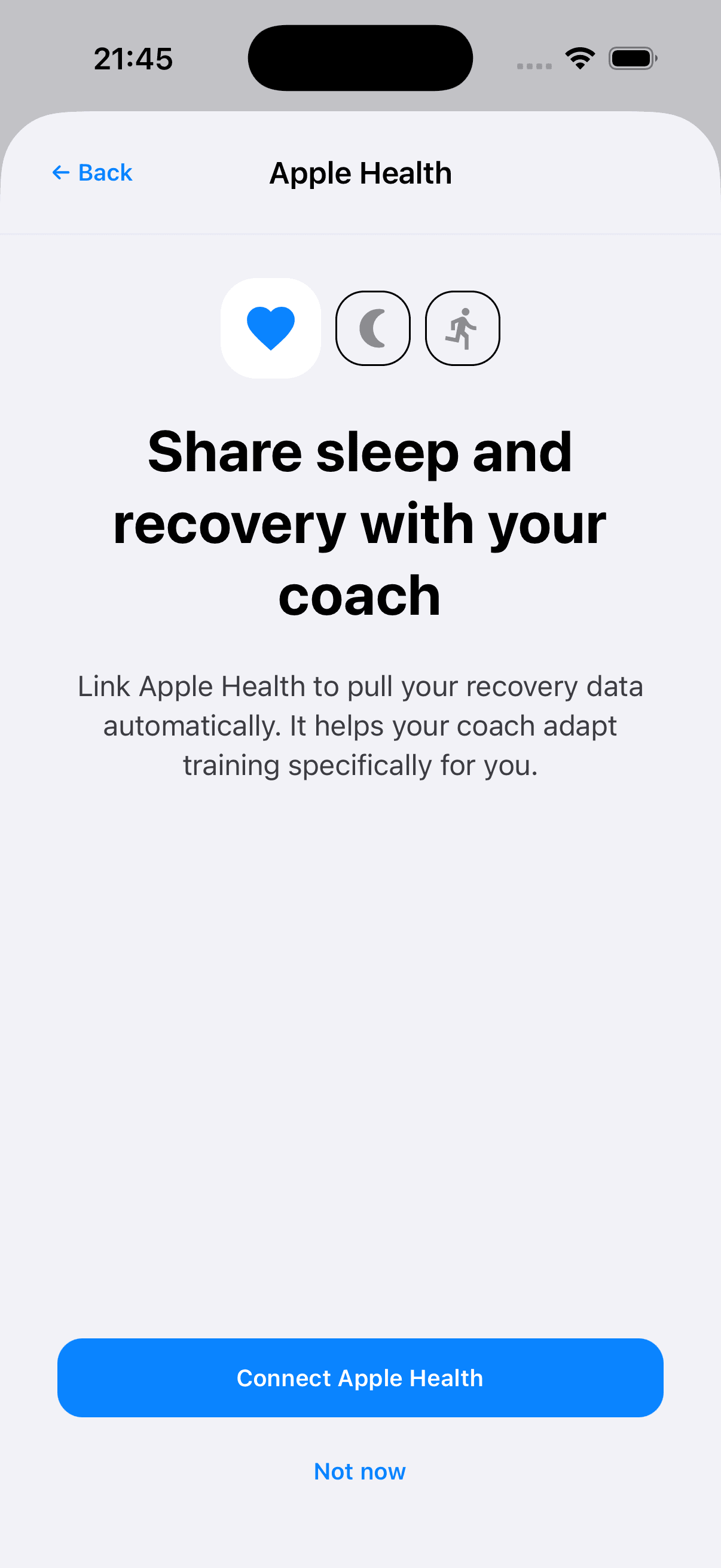
Try next: message your iPhone athletes to open Fractall → bell → Connect Apple Health → authorize → reopen once. From then on, you are collecting that data.
Home shows the week, the day, and what to do
Athlete Home now leads with a week strip (expand to the full month from the month label). Swipe by week or month. The list under it is that day's agenda: wellness, RPE when a session has ended, and scheduled training with time. That makes it easier to see what an athlete still owes on a given day — check-in, RPE, or scheduled training — without opening each module separately. The header keeps the notification bell and profile avatar.
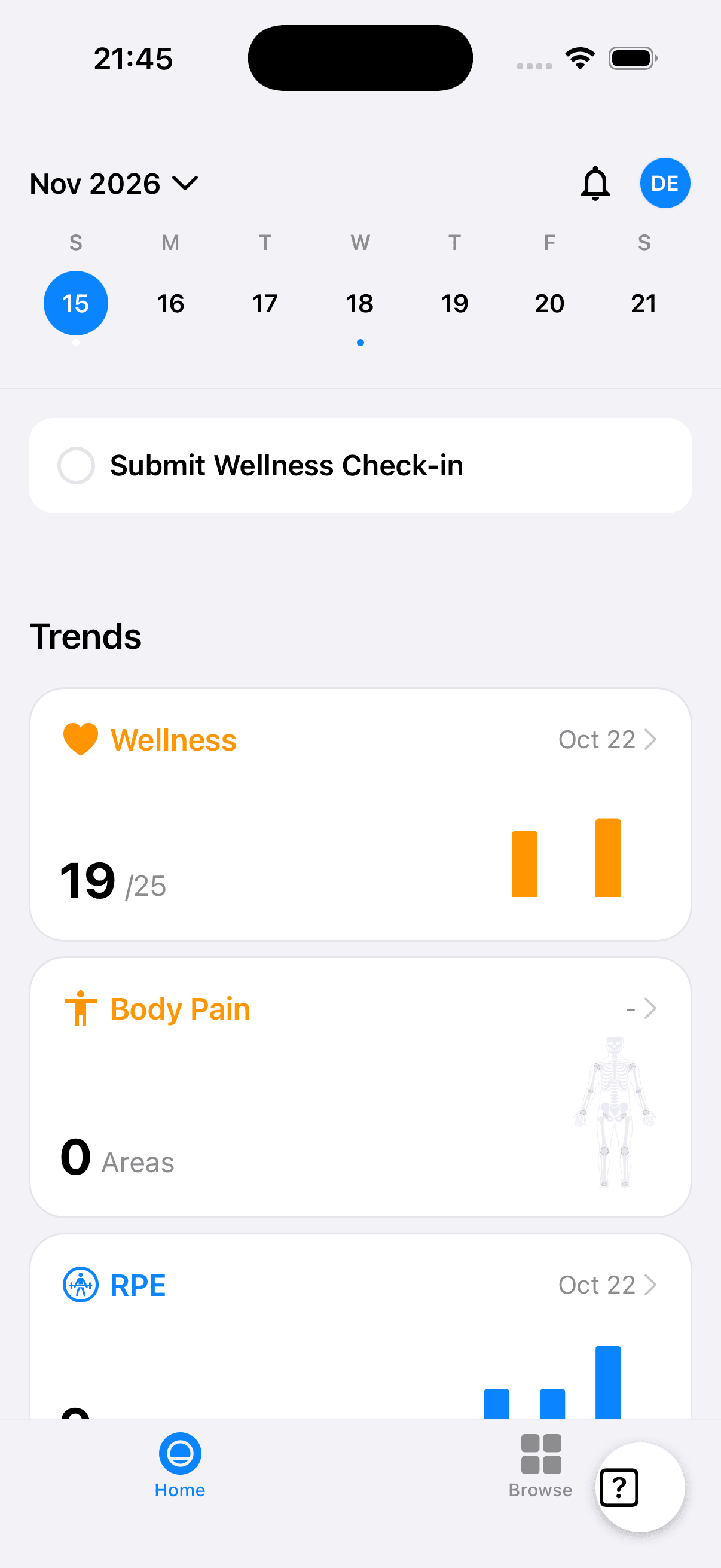
Try next: ask an athlete to open Home, pick another day on the strip, and confirm the agenda matches that day's plan and tasks.
Coming next: Gym on web and phone
Gym is the main product build right now. On the coach web app, Gym Logs will bring an exercise library, reusable workout templates with blocks and circuits, and session logging for prescribed vs done sets. On the athlete phone, the logger is getting workout blocks, mid-session columns, reorder, and add/replace exercises. None of this is ready for club use yet — when it is, you will get a clear update.
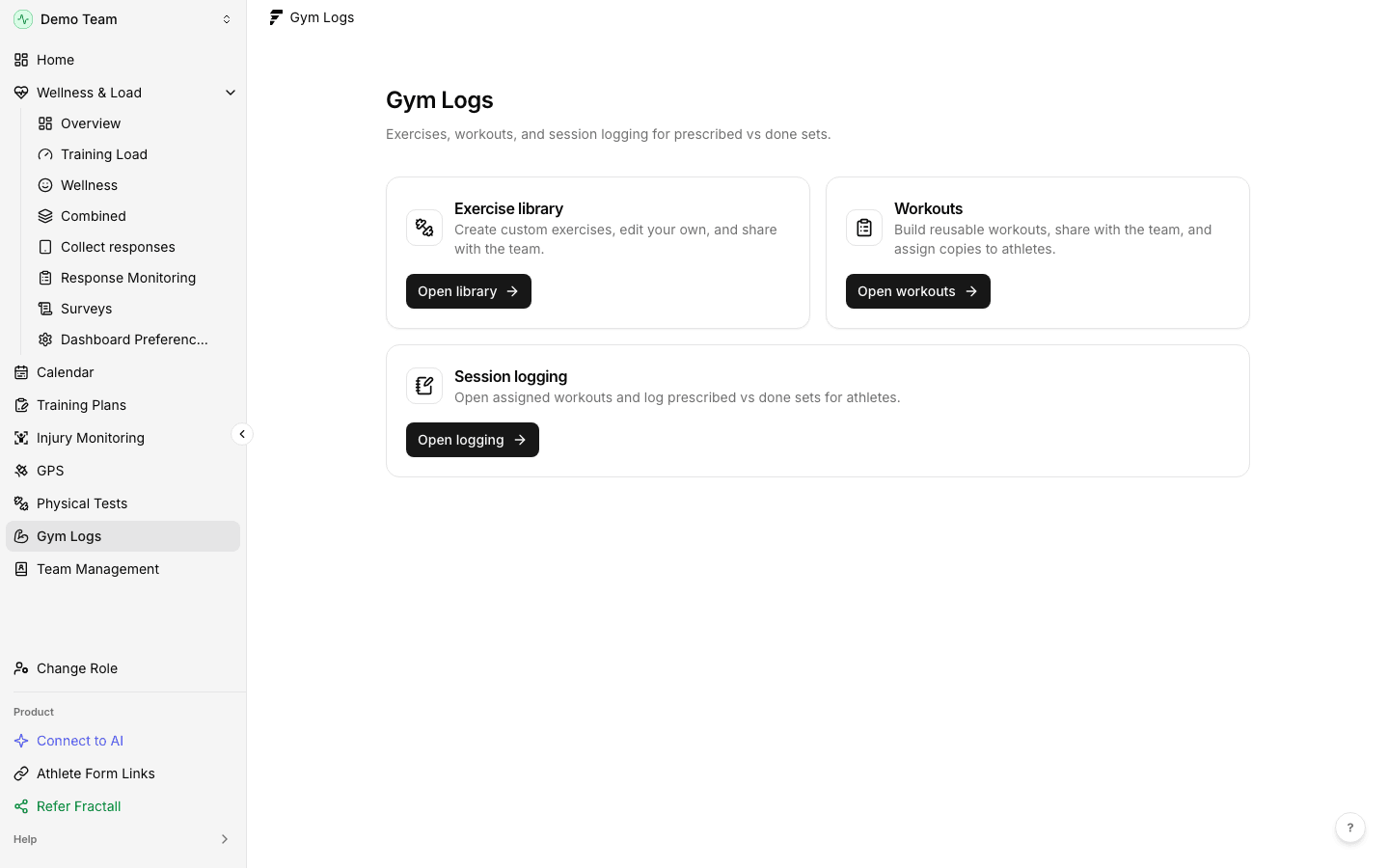
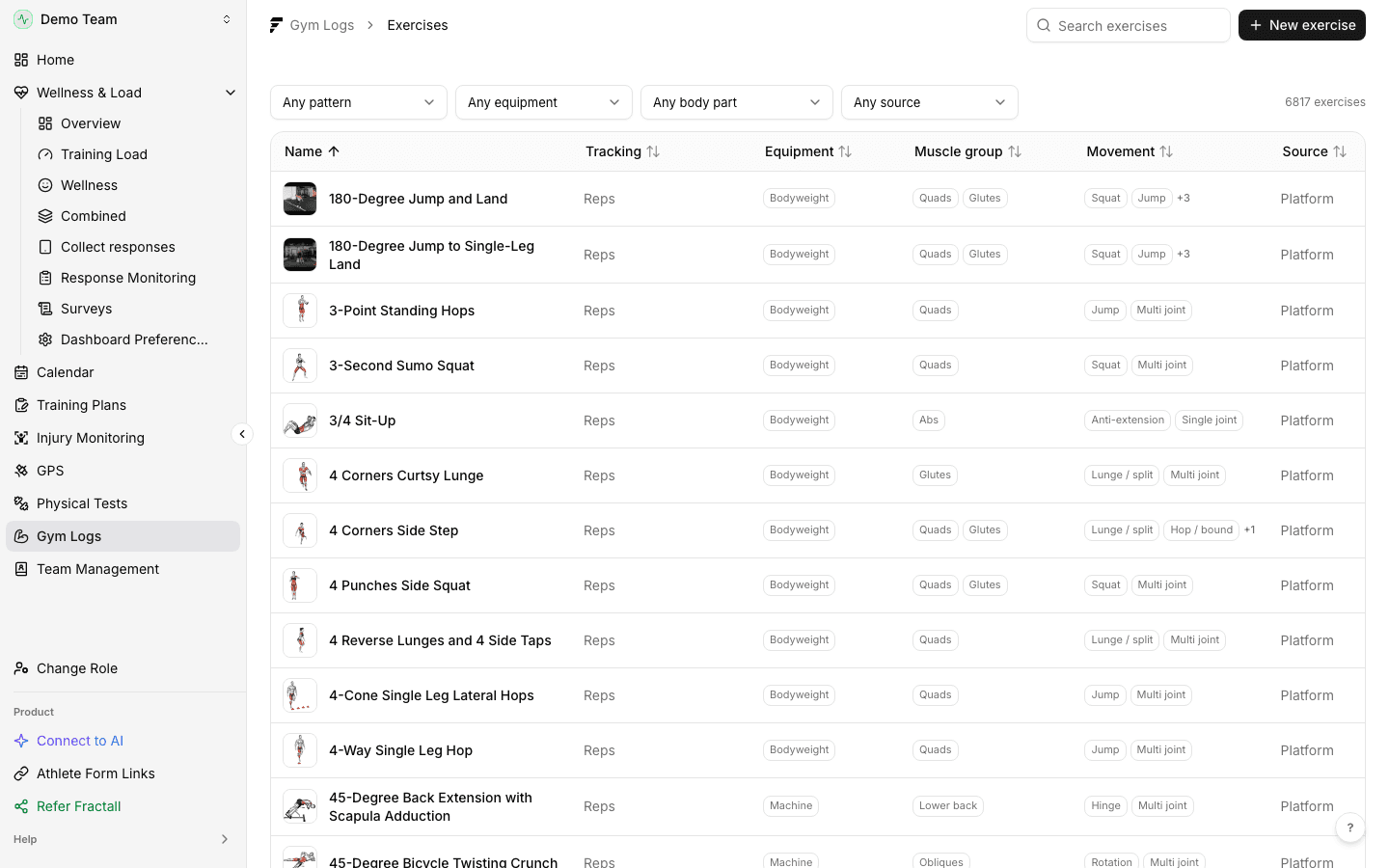
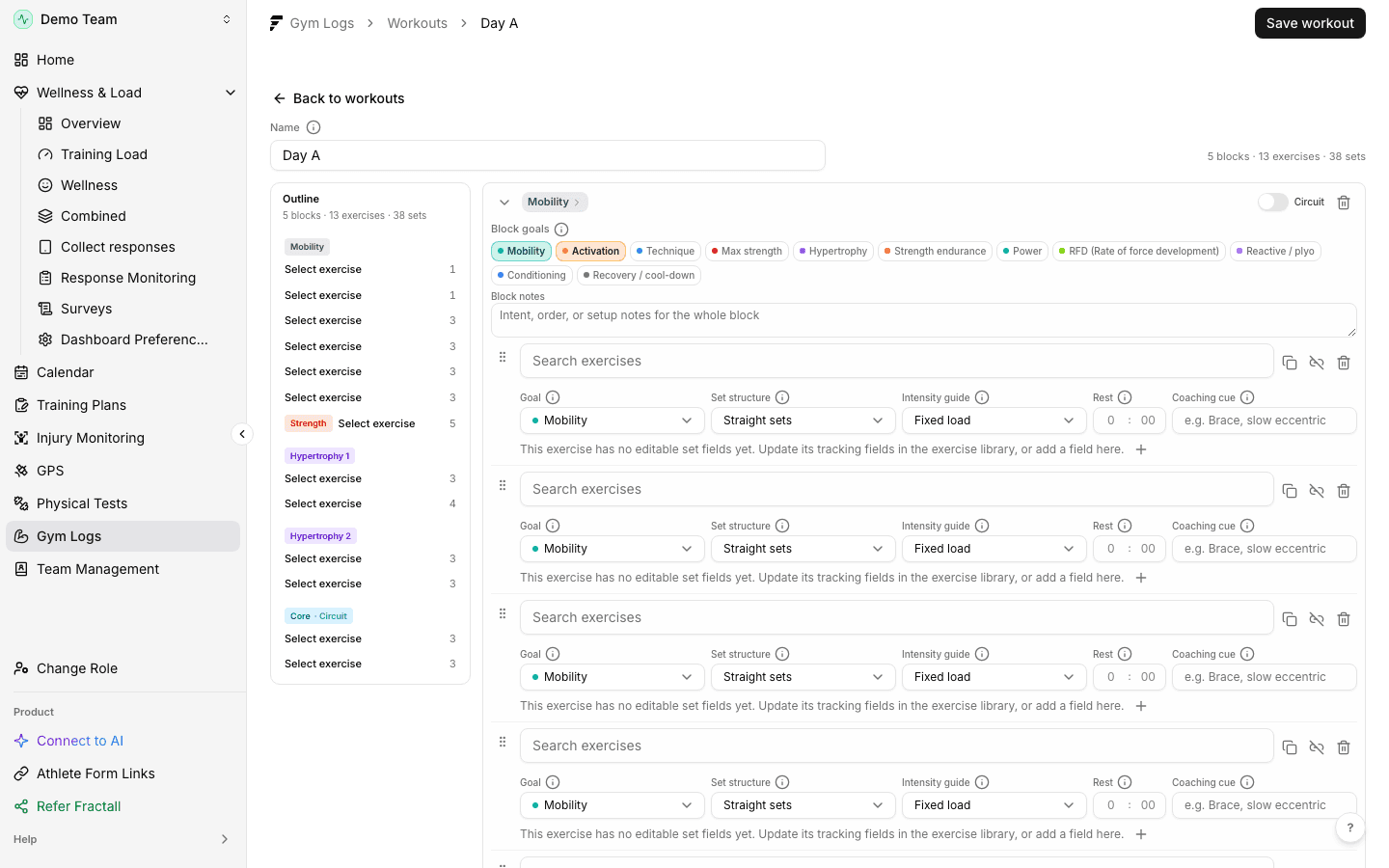
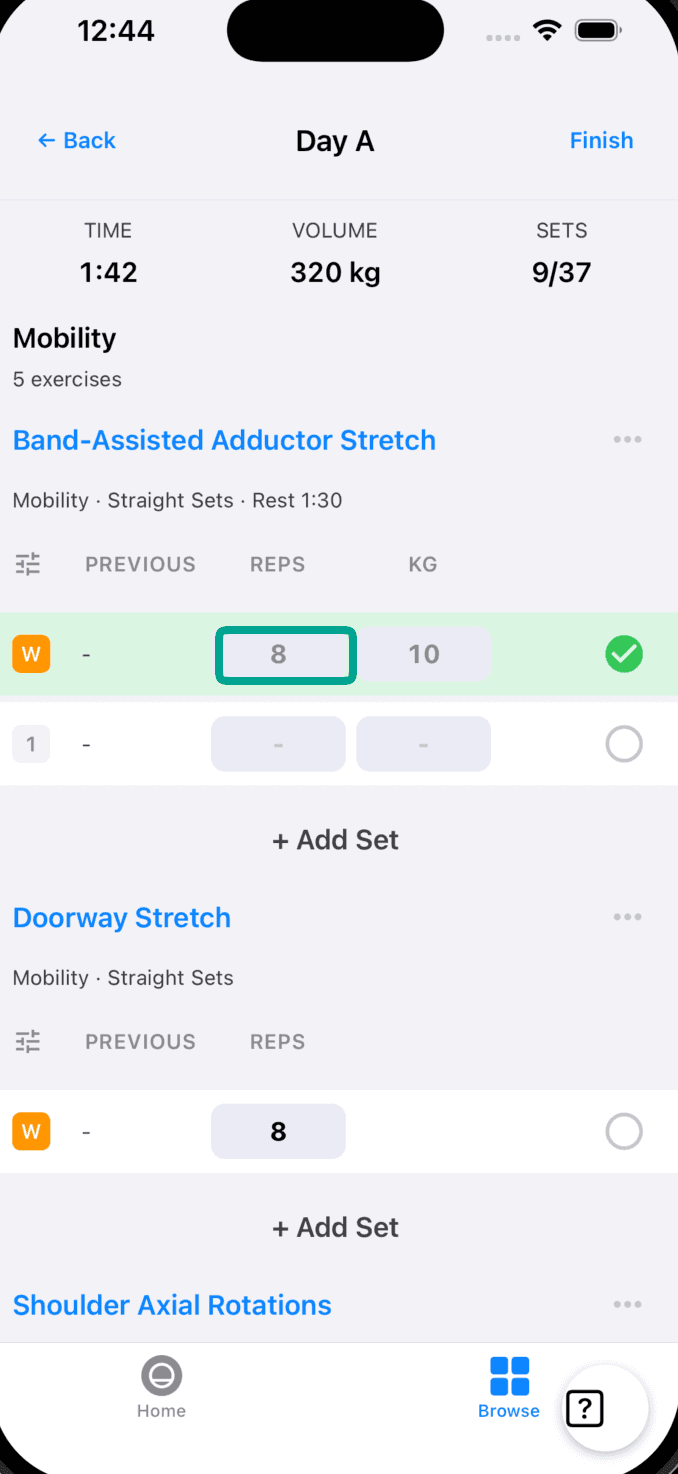
Try next: nothing in your club app yet — this section is a look at what we are finishing.