

Injury monitoring
Register injuries, map affected body areas, and track active, return-to-play, and cleared status.
What Injury Monitoring does
Log injuries in one place alongside wellness and load context. Track each case from active through return-to-play to cleared, and review body areas affected — athletes can also flag pain during daily wellness on the mobile app.
Injury list
Open Injury Monitoring in the sidebar. Filter by Active, RTP (return to play), or Cleared. Search by athlete, area, structure, or diagnosis when your list grows across a long season.
Register a new injury
Click New Injury to open the registration form. Select the athlete, injury date, and context.
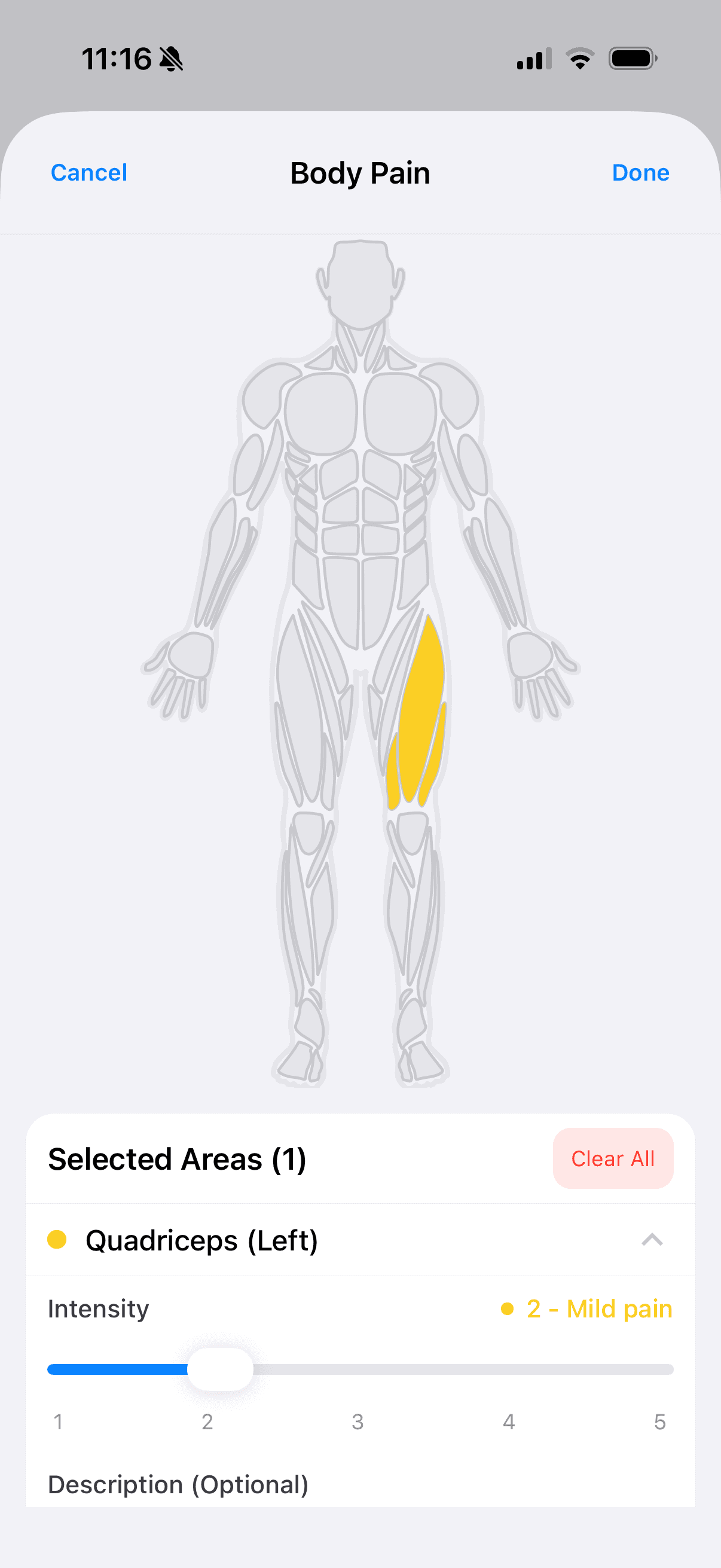
Use the body map to add injury parts, or enter free text under Other when the map does not cover the case. Review pre-injury wellness and sRPE context on the form, then click Create.