

Walk through your first check-in
Switch to the athlete view, submit a wellness check-in, and see it on your Wellness and Load dashboard — no athletes needed.
What you'll do
Fractall connects athlete check-ins to the Wellness and Load dashboard you review each day. This walkthrough lets you experience that flow yourself — submit a wellness form as an athlete, then see the result as a coach. Plan on about five minutes after you finish getting started.
Switch to athlete view
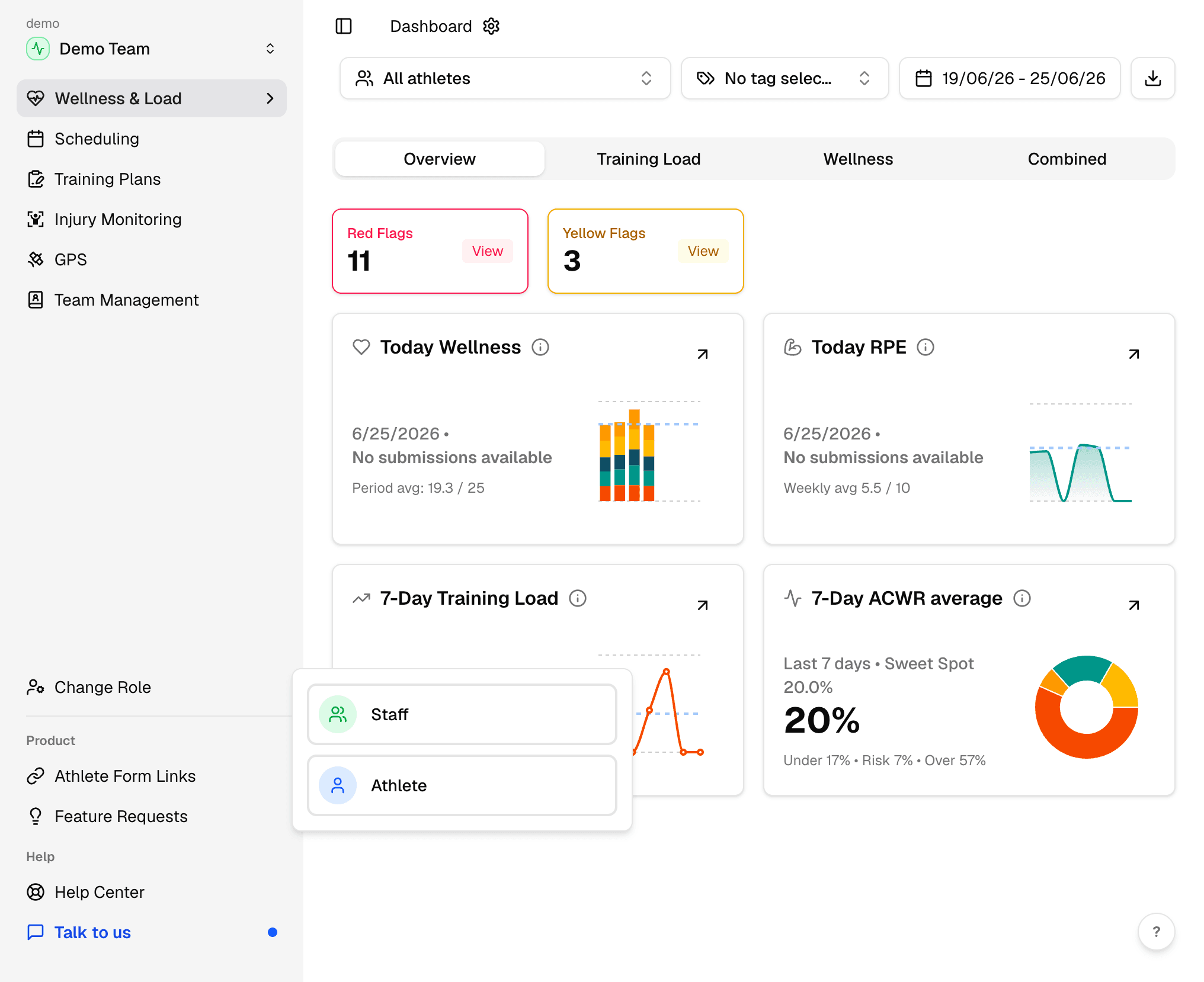
From the coach sidebar, open Change Role and select Athlete. You will see the same navigation and forms your athletes use — no separate account required.
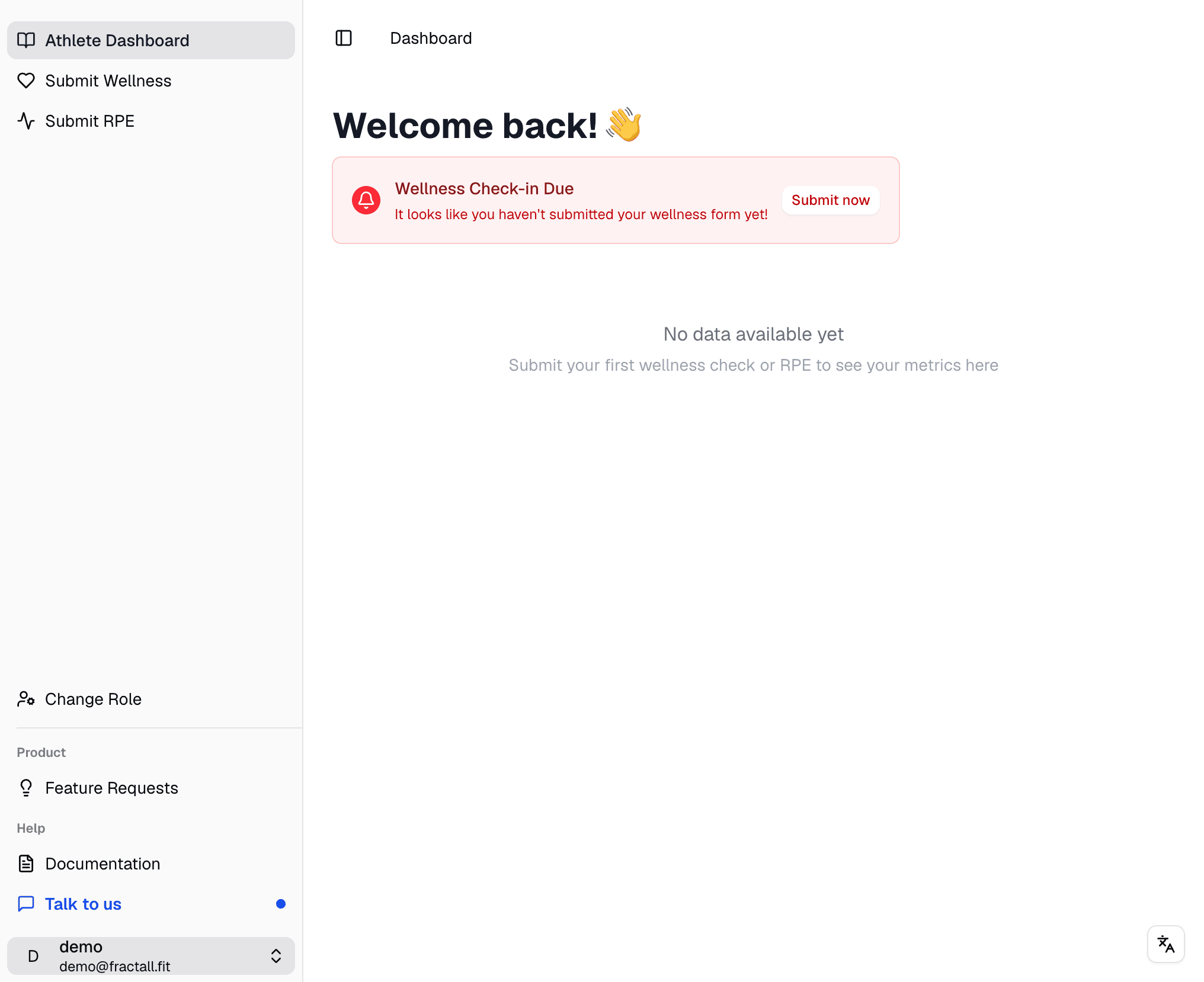
Submit a check-in
Open Submit Wellness from the sidebar. Move through the sliders, add any notes you like, then click Submit Check-in.
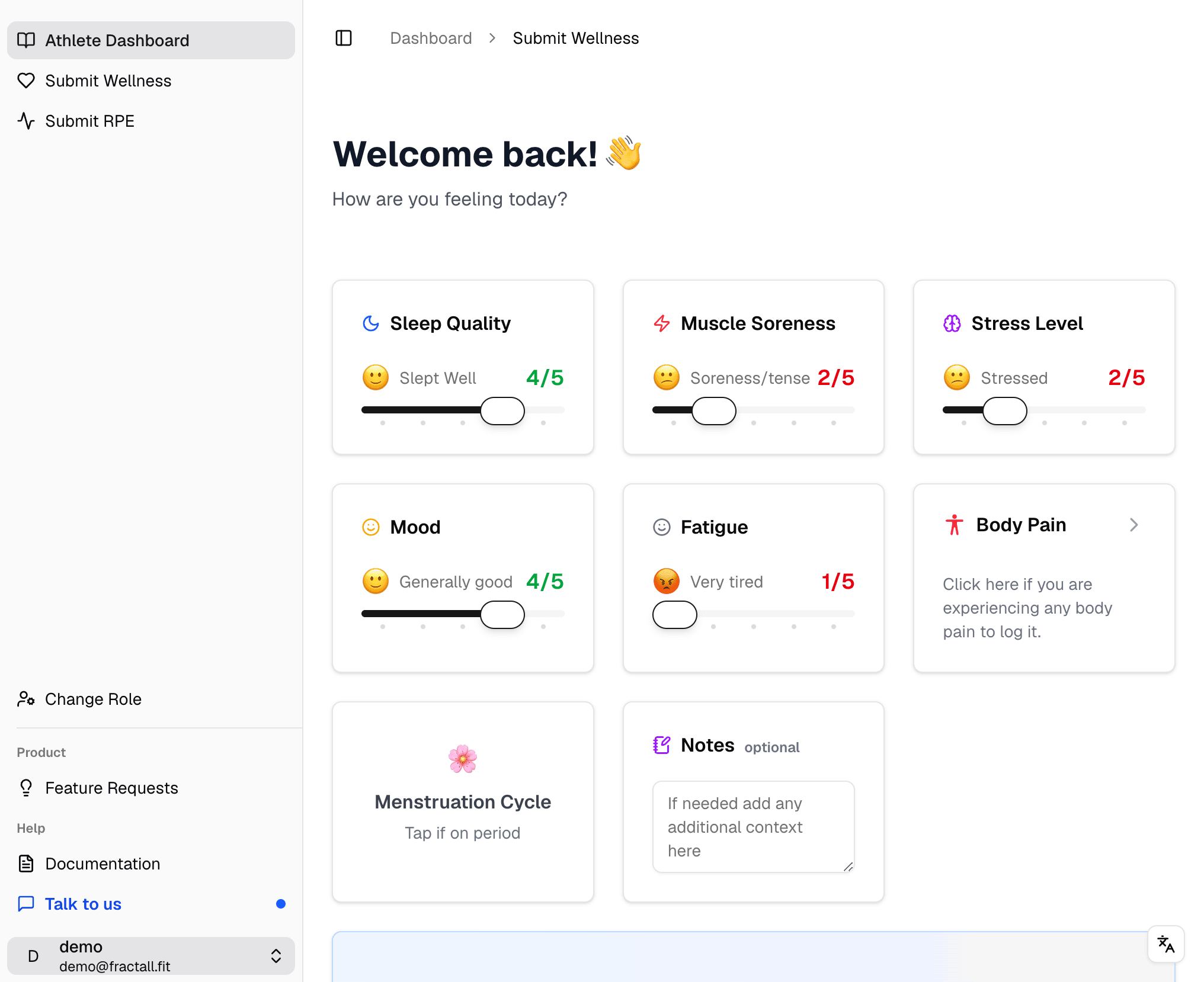
You can repeat this with Submit sRPE if you want to preview session load as well — Wellness & Load shows both separately.
See it in Wellness & Load
Open Change Role again and switch back to Staff. In the sidebar, open Wellness & Load to return to the Wellness and Load dashboard.
On the Overview tab, check the Today Wellness card — your test submission should appear there within a few seconds.
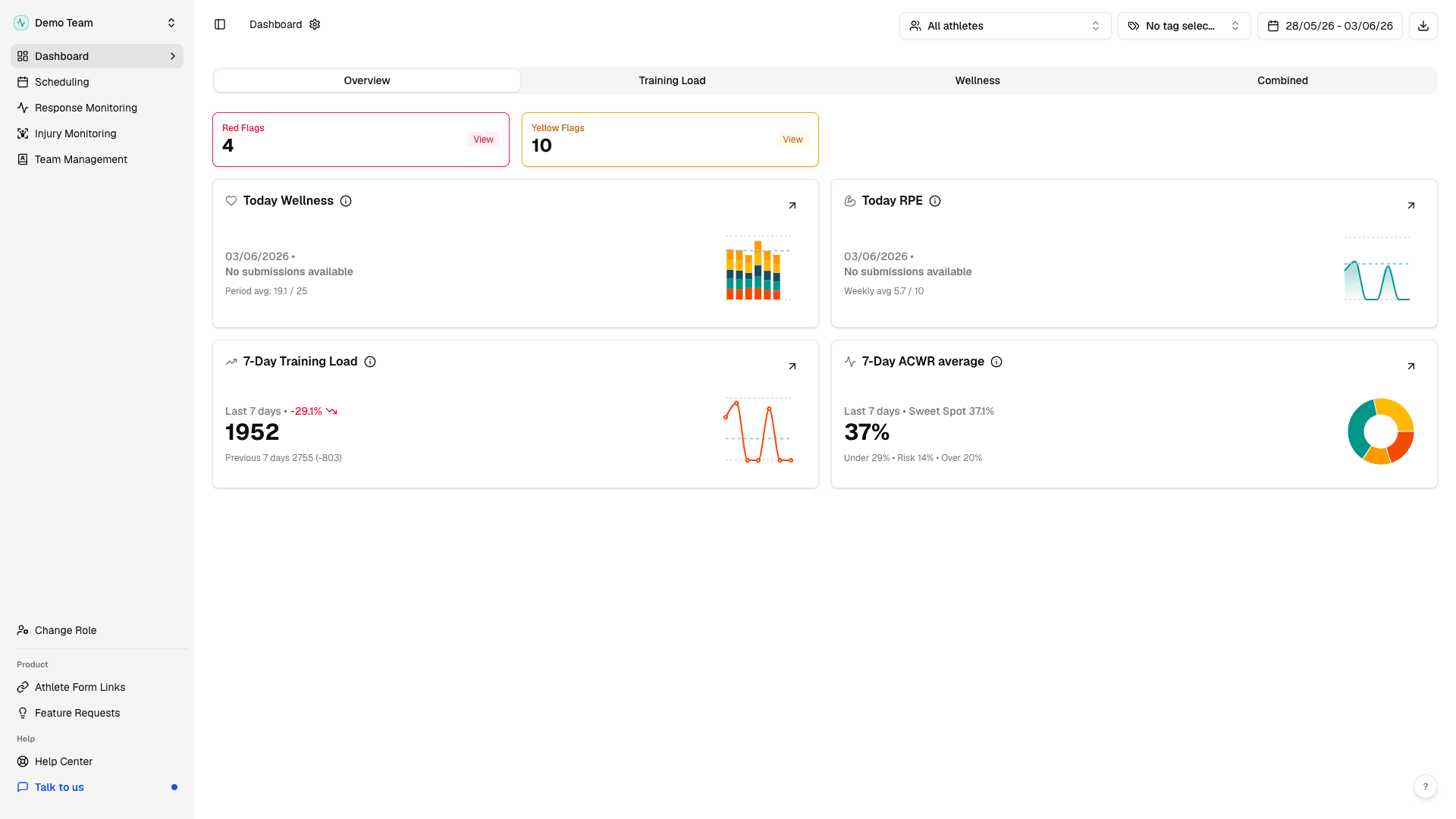
That is the daily loop: athletes submit, you review in Wellness & Load. When you are ready to go live, follow invite athletes to share form links with your squad.