

Manage teams and users
Add teams and invite club-level users from Organization Settings.
Org vs team management
Organization Settings handles club-wide teams and users. Day-to-day coach and athlete invites for a single squad still happen in Team Management — see getting started and invite your athletes.
Teams tab
Open Organization Settings and select the Teams tab. View all teams in your organization and click Add Team when you need another squad.
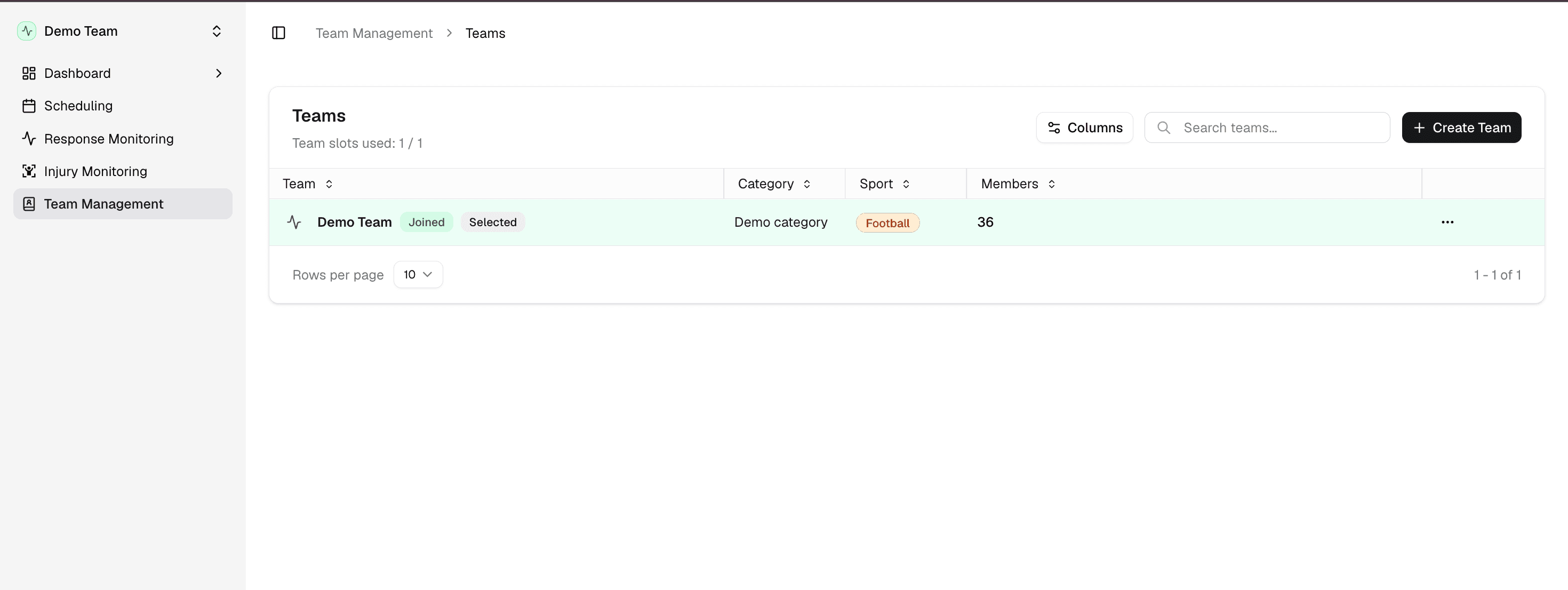
You can also click Create a new team from the workspace menu for a faster path when you are already in the app.
Users tab
Open the Users tab to see Club Users. Click Invite User to add org-level staff who can access multiple teams — for example a head of performance or club admin.
Team-specific coach invites still use Invite members from Team Management with the Coach role.