Account and billingUpdated Jun 25, 2026
Team roles and access
Understand Coach and Athlete roles when inviting people to a team.
Two invite roles
Every person who joins a team arrives through an invite link with a role attached. Coaches use the web dashboard; athletes use the mobile app to submit wellness and sRPE.
Invite roles
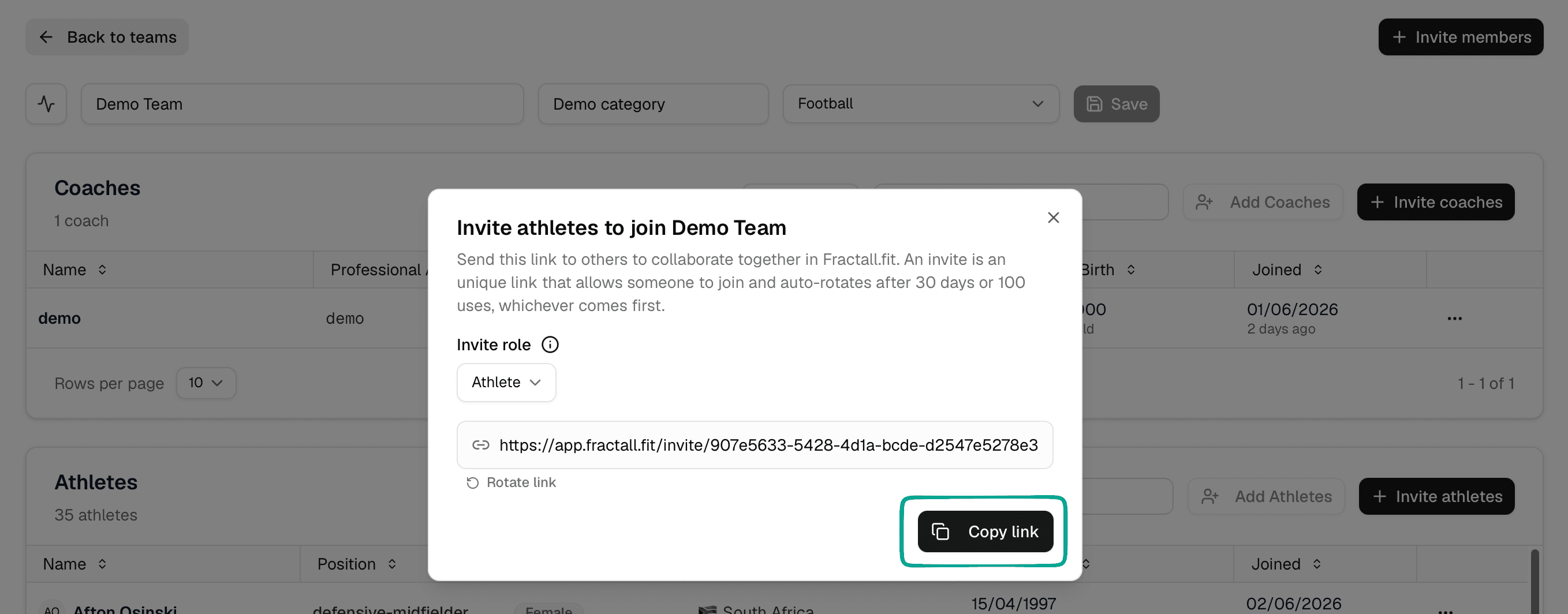
From Team Management, click Invite members and choose an Invite role:
Coach— staff who review the dashboard, schedule sessions, and manage the teamAthlete— players who submit wellness and sRPE from the mobile app
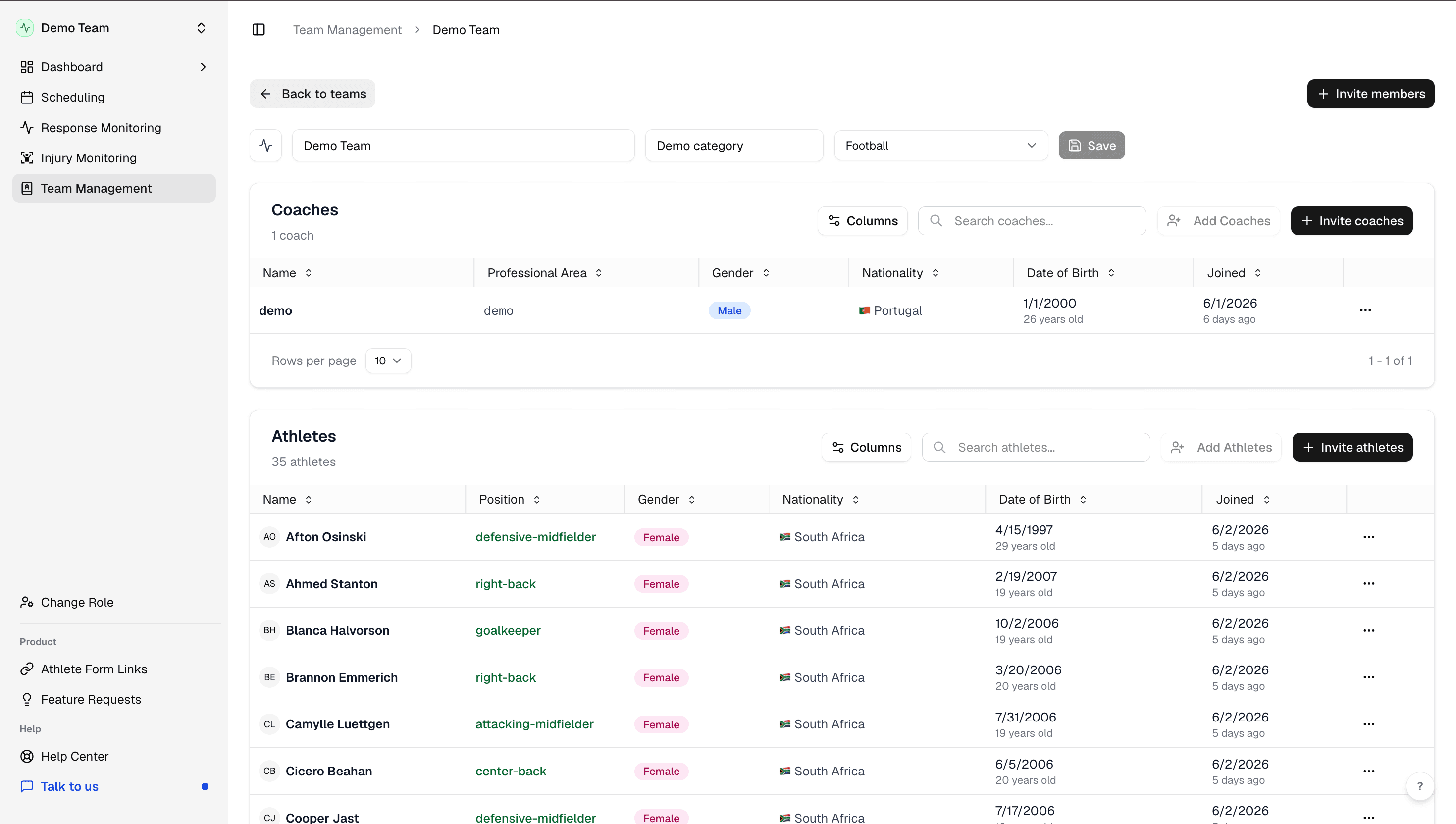
Roster tables
In Team Management, the Coaches and Athletes tables show who has accepted an invite. Use them to confirm your squad is complete before go-live.