

Best Excel Alternative for Athlete Monitoring
When your spreadsheet starts costing you time, compare athlete monitoring alternatives for sRPE, wellness, ACWR, compliance, dashboards, and reports.
Published
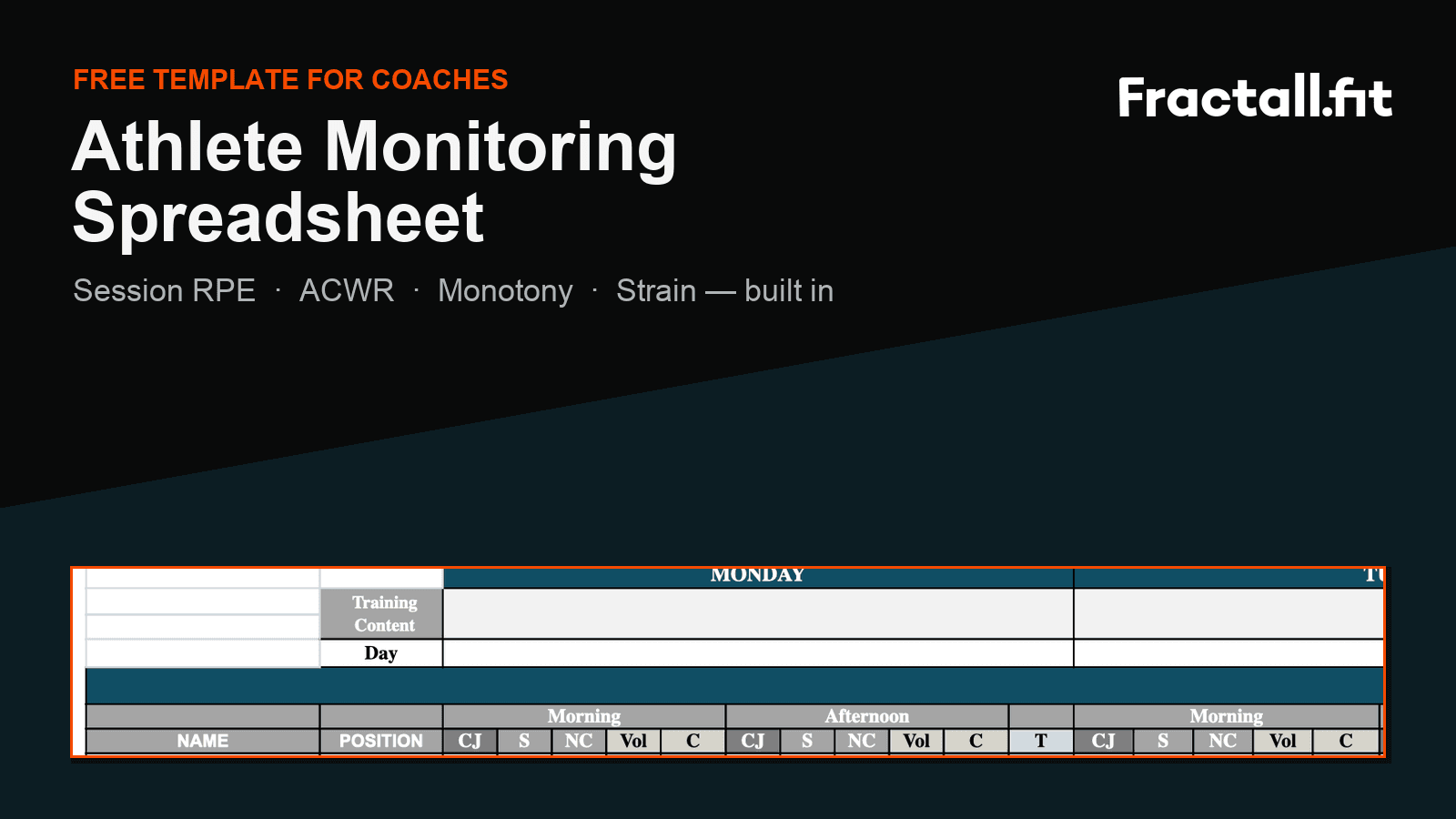
Quick answer
Be fair to spreadsheets
Excel is a good athlete monitoring prototype
You should understand the method before buying software. A spreadsheet is often the right first step, but it is rarely free once the routine becomes weekly.
Works well for
- Free or nearly free in cash
- Easy for you to customize while the workflow is still changing
- Good for teaching your staff how sRPE, wellness, and ACWR connect
Watch out for
- You pay in time when athlete submission depends on forms, messages, or manual entry
- You feel the compliance problem when the same players miss check-ins and you chase them again
- You carry the stress of formulas and dashboard ranges breaking quietly
- You lose coaching energy when reports and multi-team views become recurring admin work
The real price of a free spreadsheet
The switch point
When should you stop using Excel for athlete monitoring?
Move when the method is working but the admin is stealing time, attention, and energy from coaching.
- 1
1. You chase sRPE and wellness every day
If you send reminders, copy responses, and check who missed the form after every session, the spreadsheet is no longer free. You are paying for it with attention.
- 2
2. ACWR and reports become weekly spreadsheet work
Rolling windows, missing sessions, and weekly summaries are where simple sheets turn fragile. The painful part is not the formula once; it is trusting it every week.
- 3
3. You manage more than one team
Tabs multiply, permissions get messy, and comparing squads becomes harder than it should be. You start managing the spreadsheet instead of managing the monitoring process.
- 4
4. You stop opening the dashboard
If the data does not reach your decisions before training, the spreadsheet is storage, not monitoring.
Best fit
Fractall.fit is the Excel alternative for athlete monitoring workflows
Fractall.fit keeps the monitoring methods you already trust, then removes the manual spreadsheet and Power BI work that drains the week.
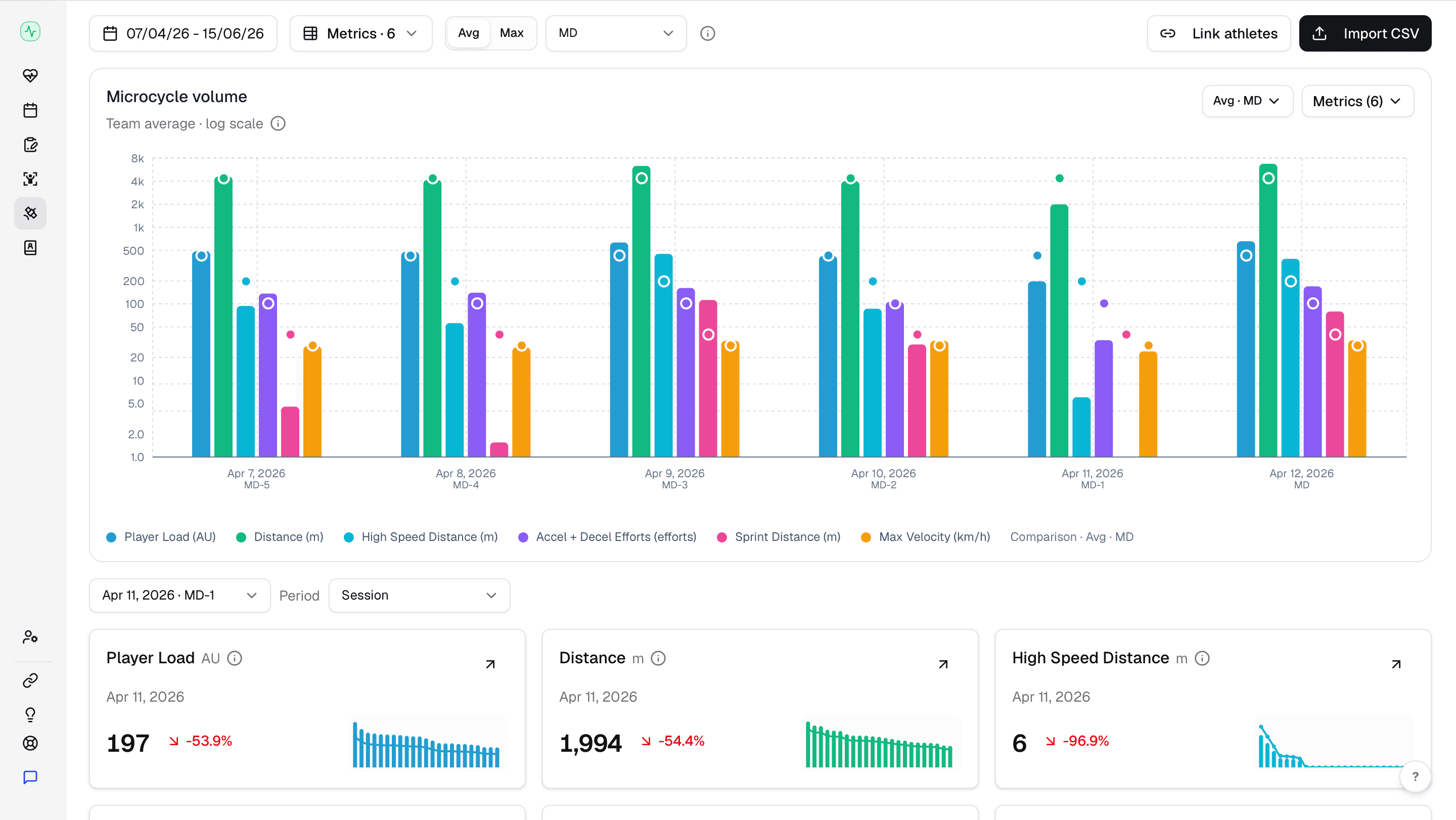
What Fractall.fit replaces from the spreadsheet
Athlete input: mobile sRPE and wellness instead of copied form responses and reminder messages.
Data work: sRPE, wellness, ACWR, and imported GPS outputs organized without manually maintained Excel or Power BI layers.
Outputs: coach dashboards and reports instead of manually rebuilt charts before staff meetings.
Other paths
What are the other alternatives to an athlete monitoring spreadsheet?
The right alternative depends on why Excel stopped working for you.
| Alternative | Choose it when | Watch out for |
|---|---|---|
| Fractall.fit | You want sRPE, wellness, ACWR, GPS import dashboards, compliance, and reports in one workflow | If you only need clinical medical records, evaluate AMS or EMR depth separately |
| Broader AMS | You need medical records, testing data, integrations, and multi-department workflows | More setup, governance, and buyer discovery than you may need |
| Better spreadsheet template | You are still at one team and the manual workflow is manageable | Does not remove the reminder, cleanup, and reporting work from your week |
Migration
How to move from Excel to athlete monitoring software
Keep the method. Change the workflow.
- 1
1. Keep your core metrics
Do not start by adding more data. Keep the metrics you already understand: sRPE, duration, wellness, ACWR, monotony, and strain.
- 2
2. Rebuild the athlete habit in the app
Your migration depends on submissions. Brief athletes on why the data changes training decisions, then make the daily action easier than the old form.
- 3
3. Compare one month of outputs
Run the software and spreadsheet side by side briefly so your staff trust the new dashboard.
- 4
4. Stop duplicating once the dashboard is trusted
The point is to remove manual work, not create a second system for you to maintain.
FAQs
Common questions about Excel alternatives for athlete monitoring
Is Excel enough for athlete monitoring?
What is the best alternative to an athlete monitoring spreadsheet?
Can Fractall.fit replace a Google Sheets athlete monitoring dashboard?
Should I choose a full AMS instead?
Move from spreadsheet monitoring to Fractall.fit
Start a 1-month trial and replace manual sRPE, wellness, ACWR, reports, and compliance work with one dashboard.
Related guides
Two Games a Week: What Wellness Data Shows Before Match 2
Fractall data on football teams playing two games a week: on match morning, fatigue sits less than half as far above normal. How to read wellness between games.
ChatGPT and Claude for Strength and Conditioning Coaches
What an S&C coach can ask ChatGPT or Claude about squad load, wellness and injuries, and the privacy settings to change before any athlete data goes in.
CMJ Test: Protocol, Norms and Why Devices Disagree
The same countermovement jump reads nearly 7 cm apart on a force plate, a phone app and a sensor. Triple the U16 to U18 gap. The protocol and the norms.